One person, one PC
Use the single-user profile. Install Platform on that PC and activate once there.
Getting started
Answer one question: how many people need Jakten on separate Windows PCs?
Use the single-user profile. Install Platform on that PC and activate once there.
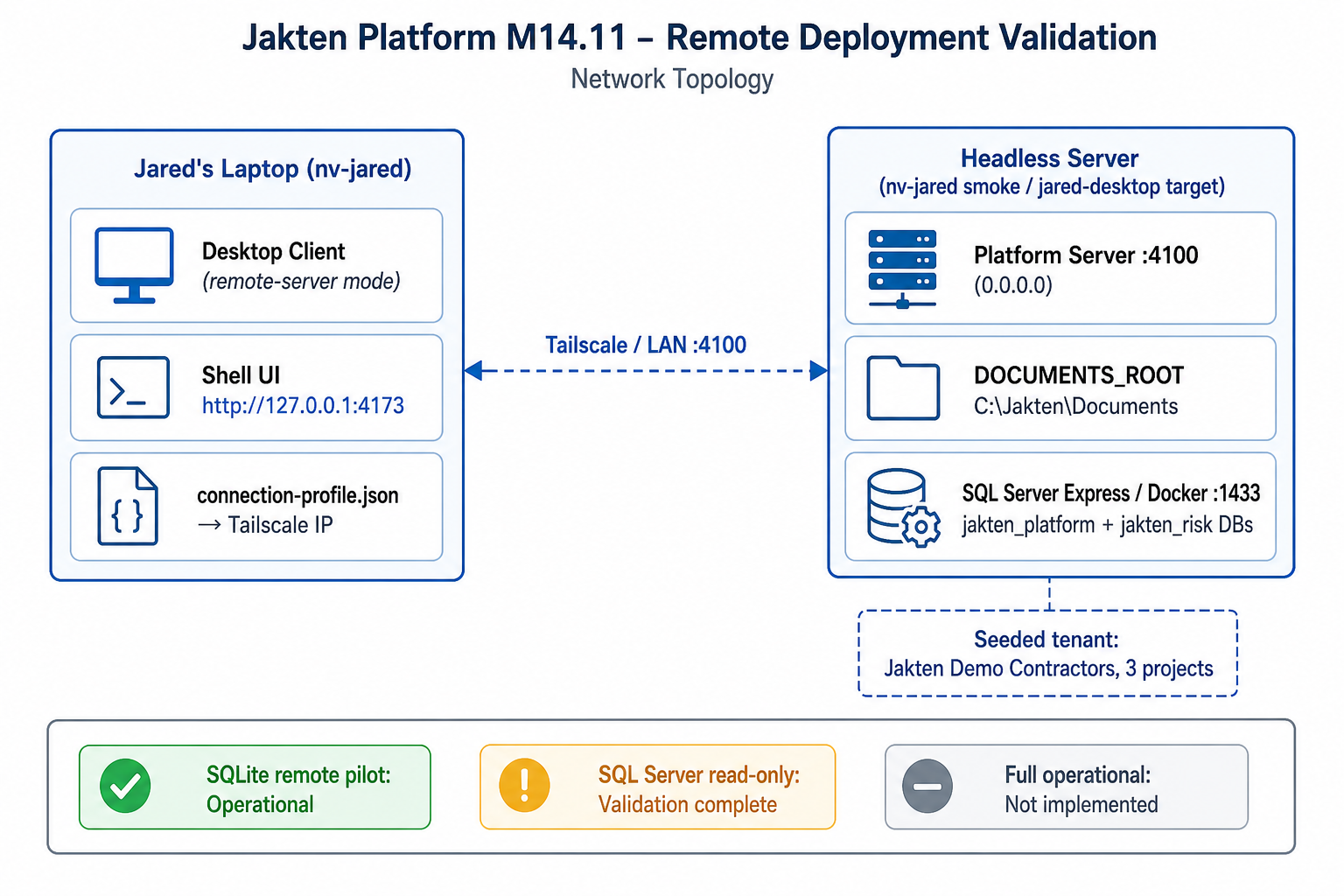
Use the office profile. Install Platform Server on your office server, activate once on the server, then connect desktop clients.
No separate server — Platform Server runs embedded on the user's PC.
Yes — a Windows server or always-on office PC hosts shared company data for all workstations.
Five seats = one company deployment. Activate once on the shared office server.
Read the full decision guide: Deployment Overview and Choose Your Deployment.